 Overlay Pen
Compare Overlay Pen
There is more than one way to draw on live video. These pages put Overlay Pen next to the alternatives, feature by feature, including where the other tool is the better choice.
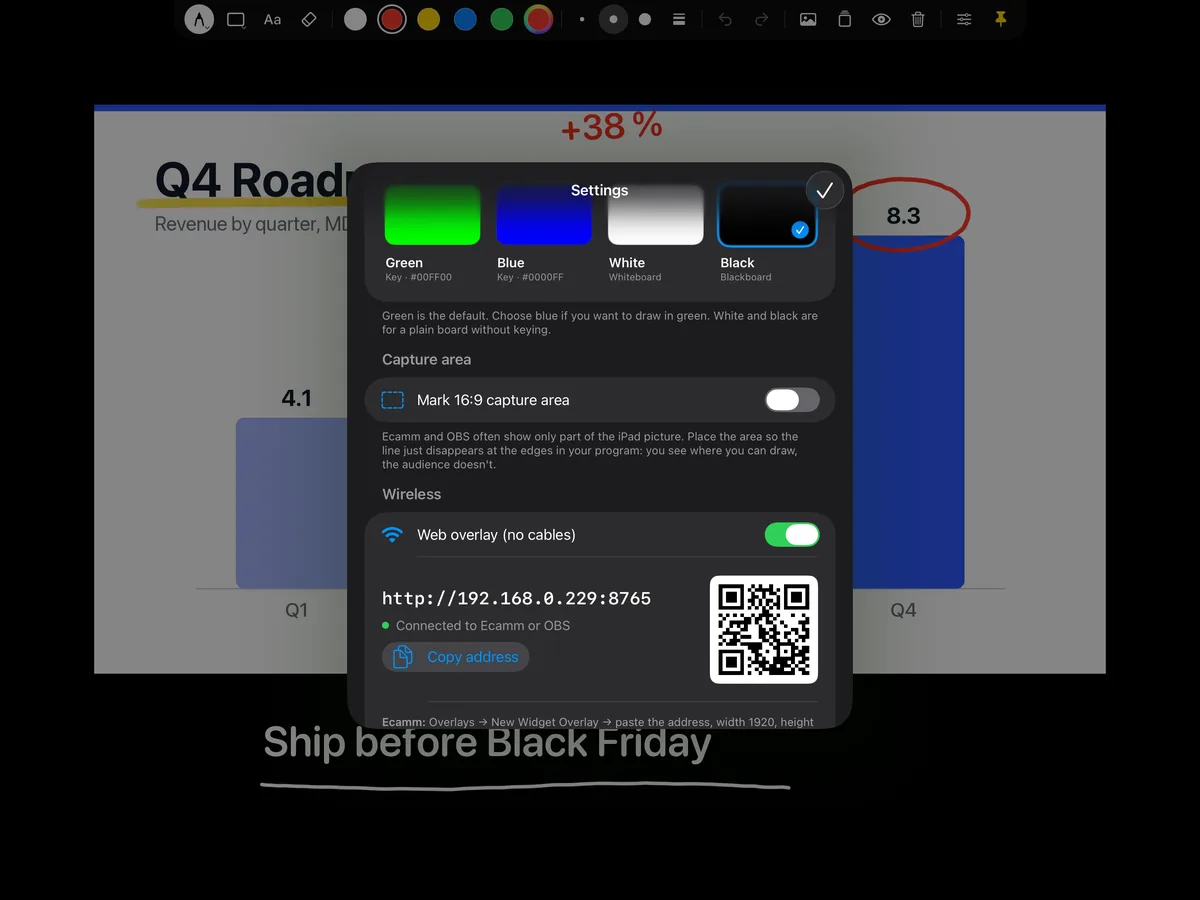
Overlay Pen vs Video Pencil
Both apps turn an iPad and Apple Pencil into a pen for live video. They take different roads: Video Pencil is a broad toolbox built around NDI, Overlay Pen is a focused pen that reaches your stream as a simple web overlay.
Learn more →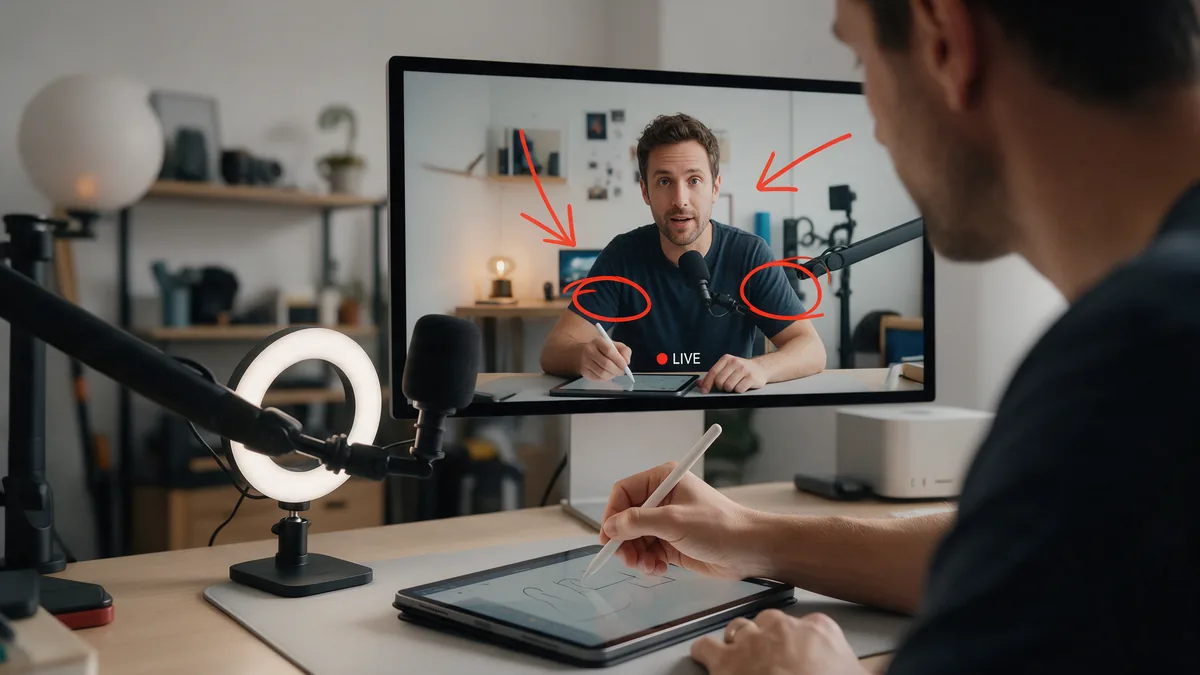
Video Pencil alternatives for iPad
Video Pencil is the best-known way to draw on live video with an iPad, but it is not the only one. Here are the alternatives, how they get the drawing into your stream, and what they cost.
Learn more →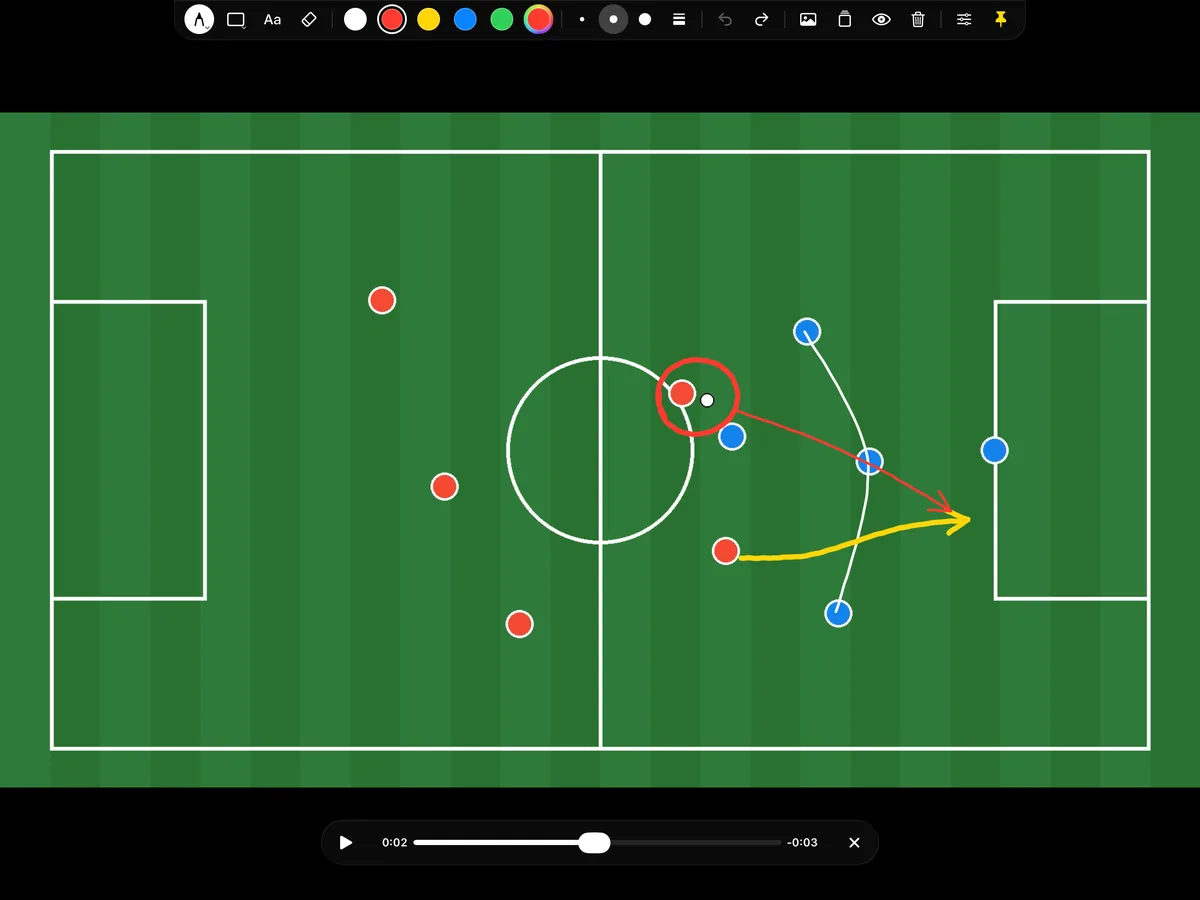
The best telestrator apps for iPad
A telestrator lets you draw on video, the way TV analysts circle a player or sketch a run. On iPad, the right app depends on one question: do you draw live, for an audience, or on clips you send to athletes afterwards?
Learn more →
Zoom and Teams annotation vs Overlay Pen
Zoom and Microsoft Teams both have built-in annotation, and it is free. So why use an iPad app? Because the built-in tools draw on a shared screen, with a mouse, while Overlay Pen draws on your whole picture, with Apple Pencil.
Learn more →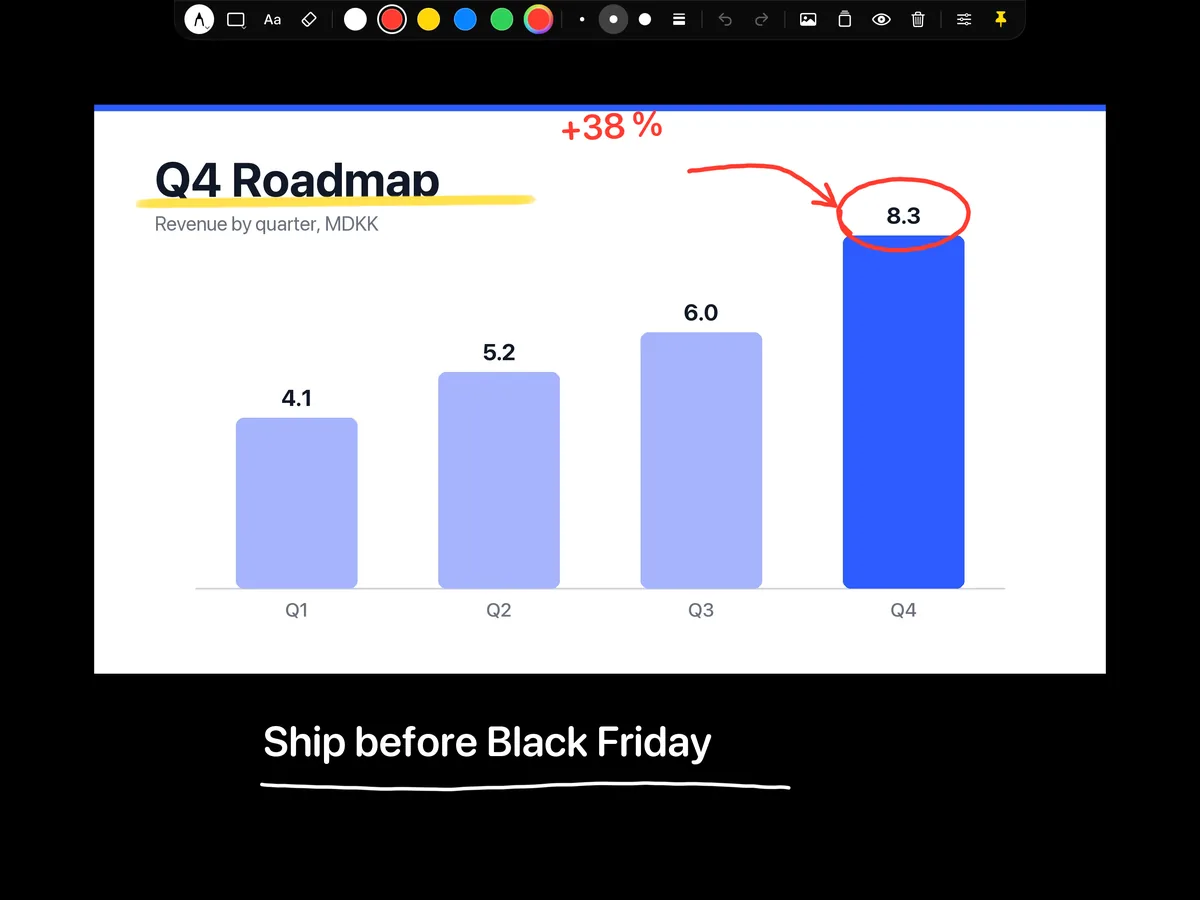
Sidecar and Duet vs Overlay Pen
Sidecar turns an iPad into a second screen for your Mac, and Apple Pencil works on it. That is great for drawing apps, but it does not give you a drawing layer for your meeting or stream on its own.
Learn more →
Draw on your stream: OBS Draw plugin vs Overlay Pen
If you stream with OBS Studio, there is a free, open-source Draw plugin. If you have an iPad, there is Overlay Pen. Both put ink on your stream; the difference is what you draw with and where you look.
Learn more →Pick up the pen.
Overlay Pen for iPad. Plug and play, sharp up to 4K.