 Overlay Pen
Setup guides
Step-by-step setup for Ecamm Live, OBS Studio, Zoom, Teams, Google Meet and HDMI. The wireless method takes about two minutes.
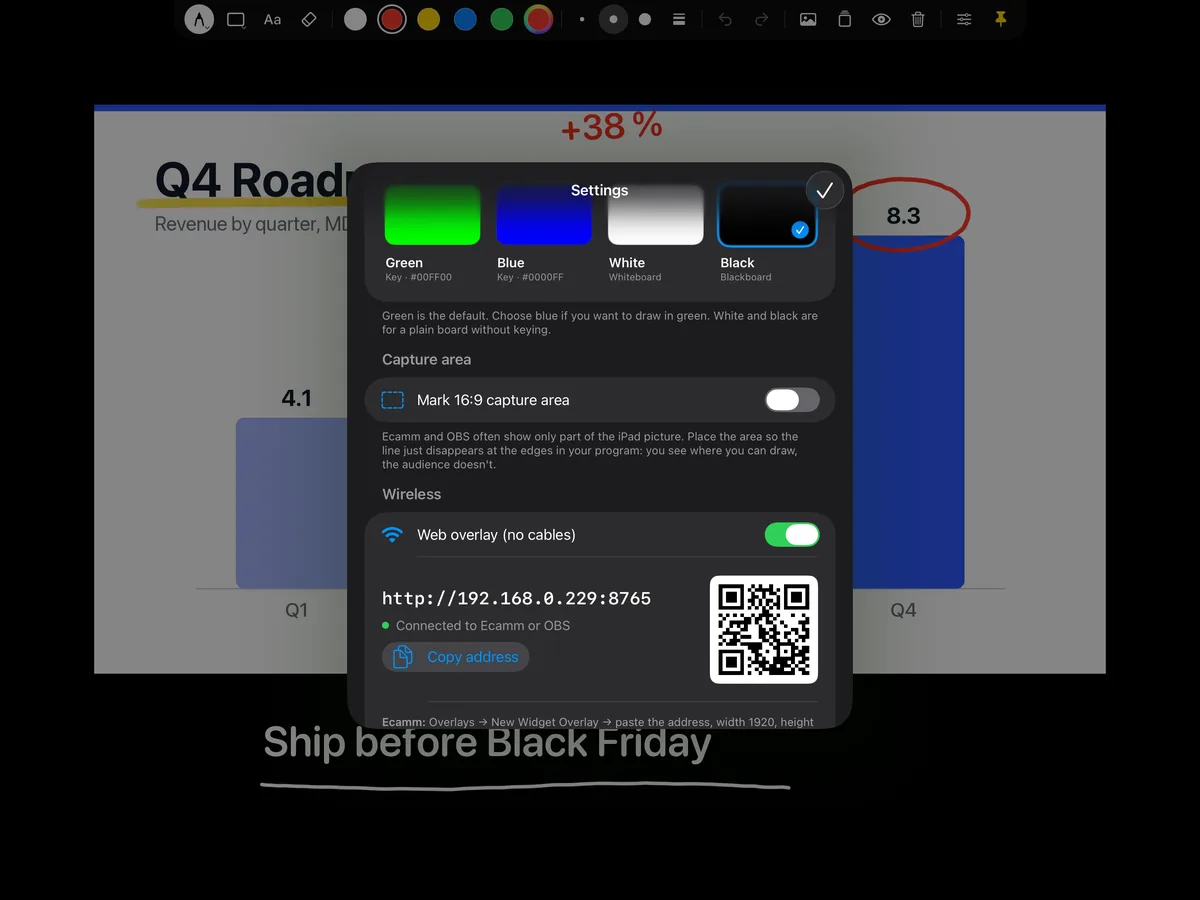
Overlay Pen in Ecamm Live
Two ways to bring your drawing into Ecamm Live on Mac: wirelessly as a Widget Overlay (recommended), or over a USB cable with green screen.
Open guide →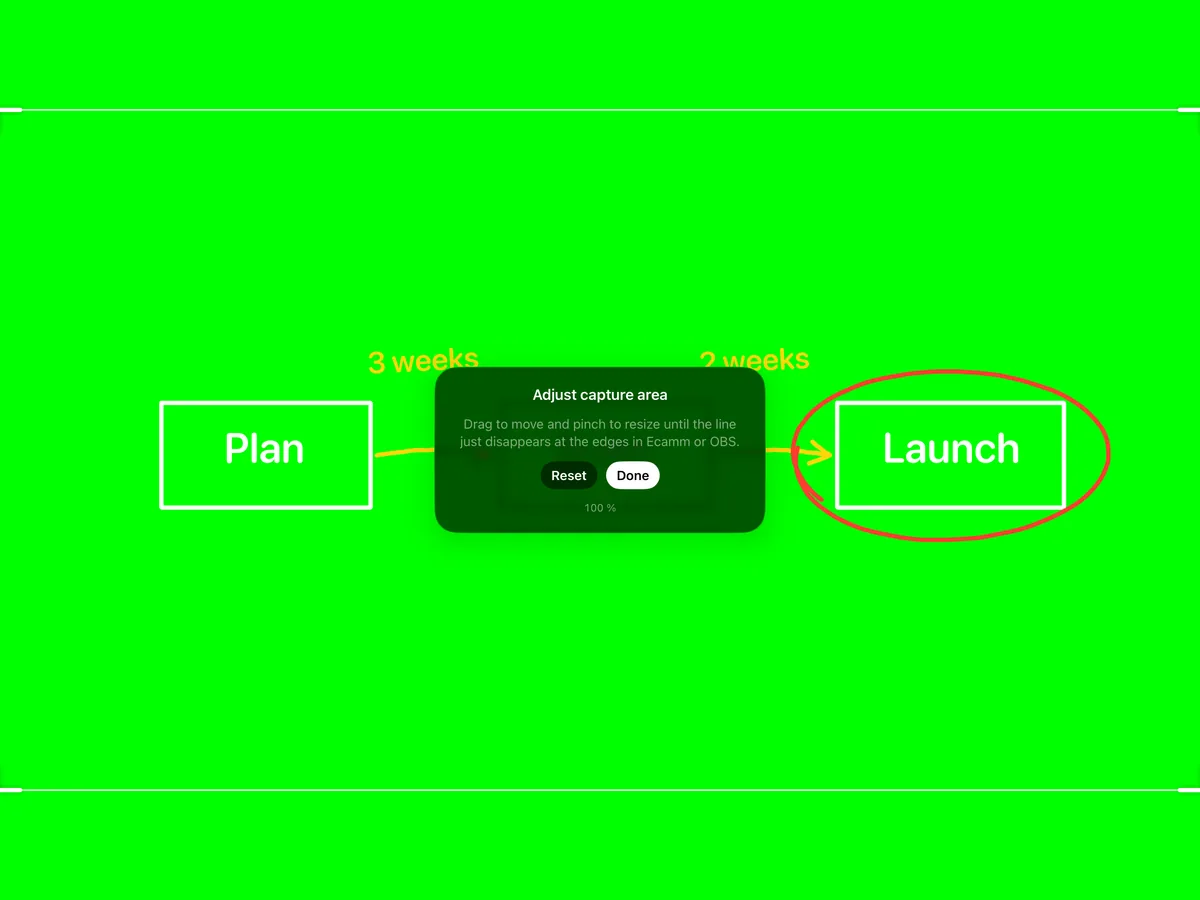
Overlay Pen in OBS Studio
OBS Studio on Mac, Windows and Linux can show Overlay Pen as a Browser Source with real transparency. On a Mac you can also capture the iPad over USB and use the Chroma Key filter.
Open guide →
Draw in Zoom, Teams and Google Meet
Meeting apps accept a camera, not an overlay. So you combine camera and drawing in Ecamm Live or OBS Studio, and give the meeting their virtual camera. Set it up once and it is ready for every meeting.
Open guide →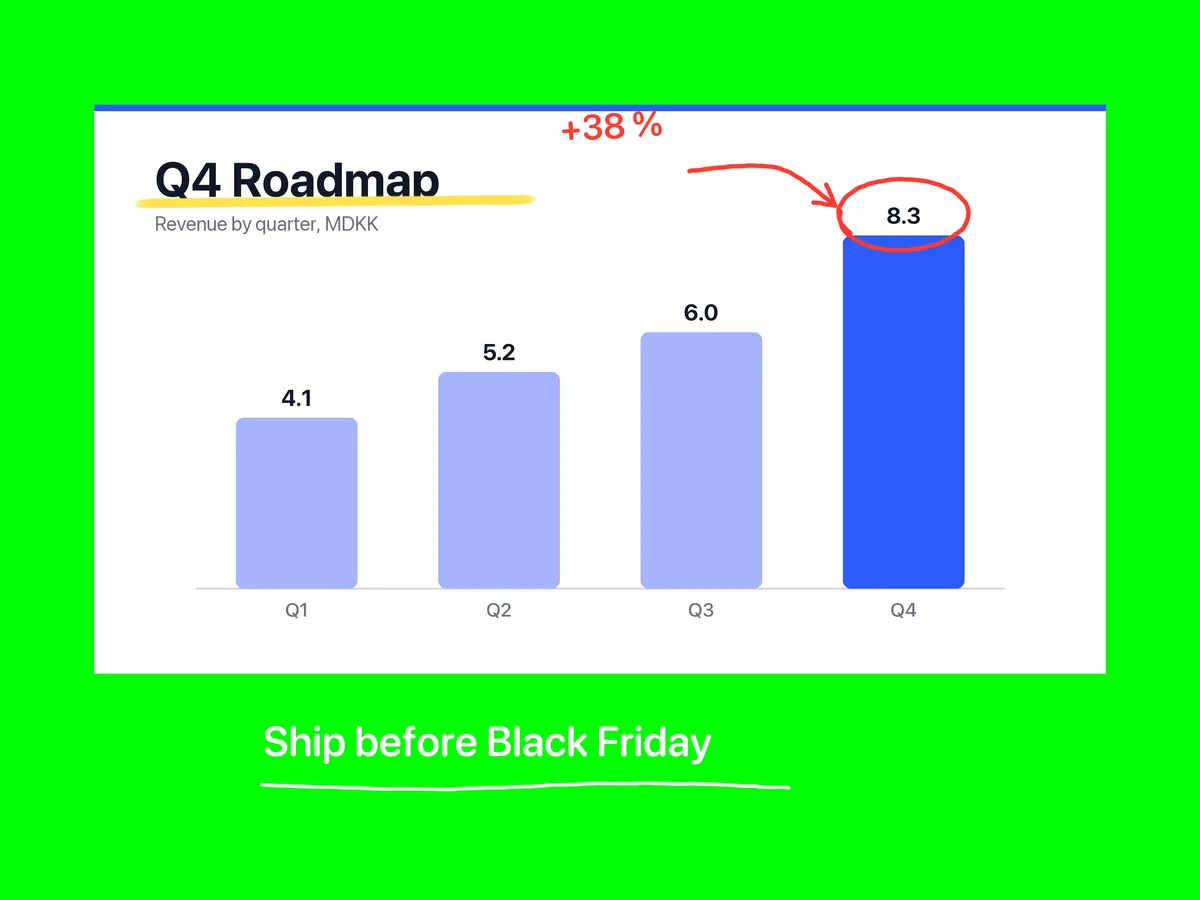
HDMI, capture cards and switchers
With a USB‑C Digital AV adapter, Overlay Pen sends a clean picture without the palette to an external display: a capture card for OBS on Windows, a projector, or a hardware switcher that keys out a colour.
Open guide →Pick up the pen.
Overlay Pen for iPad. Plug and play, sharp up to 4K.