 Overlay Pen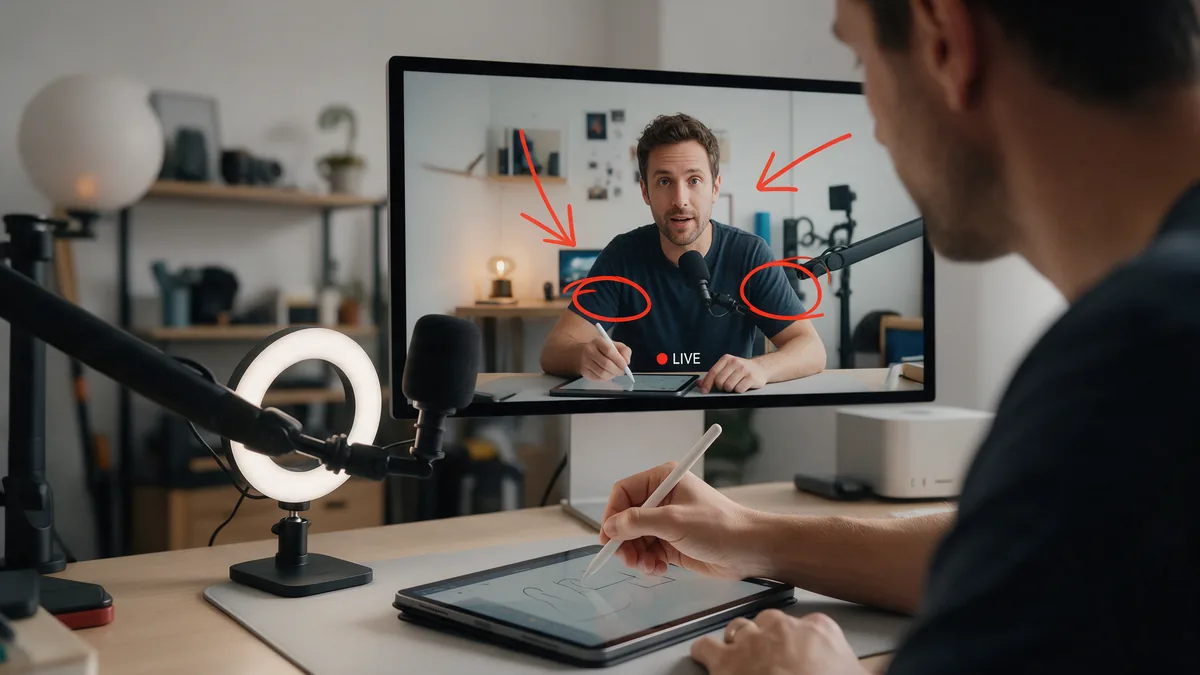
Built for the production you already have
Overlay Pen does not replace your streaming software. It becomes one more source in it. In Ecamm Live it is a Widget Overlay, in OBS a Browser Source. You decide where it sits in your layers: over the camera, over a slide, over a screen share, or all of them at once.
Because the layer is a web page with real transparency, there is no green to key out and no colour fringe around thin lines or small handwriting.
Sharp at the resolution you stream
The browser source tells the iPad how many pixels it draws, and the ink is rendered for exactly that size: 720p, 1080p or 4K. Zoom into the board with two fingers and the ink is rendered again at the new size, so it never turns soft. The stroke you are drawing is sent up to 60 times a second, so lines grow while you draw them.
See exactly where you draw
Production software often shows only part of an iPad picture. Overlay Pen draws a thin line around the area your audience actually sees, a 16:9 frame that you can move and resize until it matches your program. The line is cropped away in the broadcast. You always know what is in the shot, and you never draw a great diagram half outside it.
Cables are fine too
Prefer a cable? Connect the iPad by USB to your Mac and key out the green background, or use a USB-C Digital AV adapter to send a clean picture without the palette over HDMI to a capture card or a hardware switcher. The HDMI guide covers both.
Questions
Does it work with OBS on Windows?
Yes. The wireless web overlay is an ordinary Browser Source, so it works in OBS Studio on Windows, Mac and Linux as long as the computer and the iPad are on the same network.
What resolution should the browser source have?
Match your canvas: 1920 × 1080 for 1080p, 3840 × 2160 for 4K. The ink is rendered for whatever size the source reports.