 Overlay Pen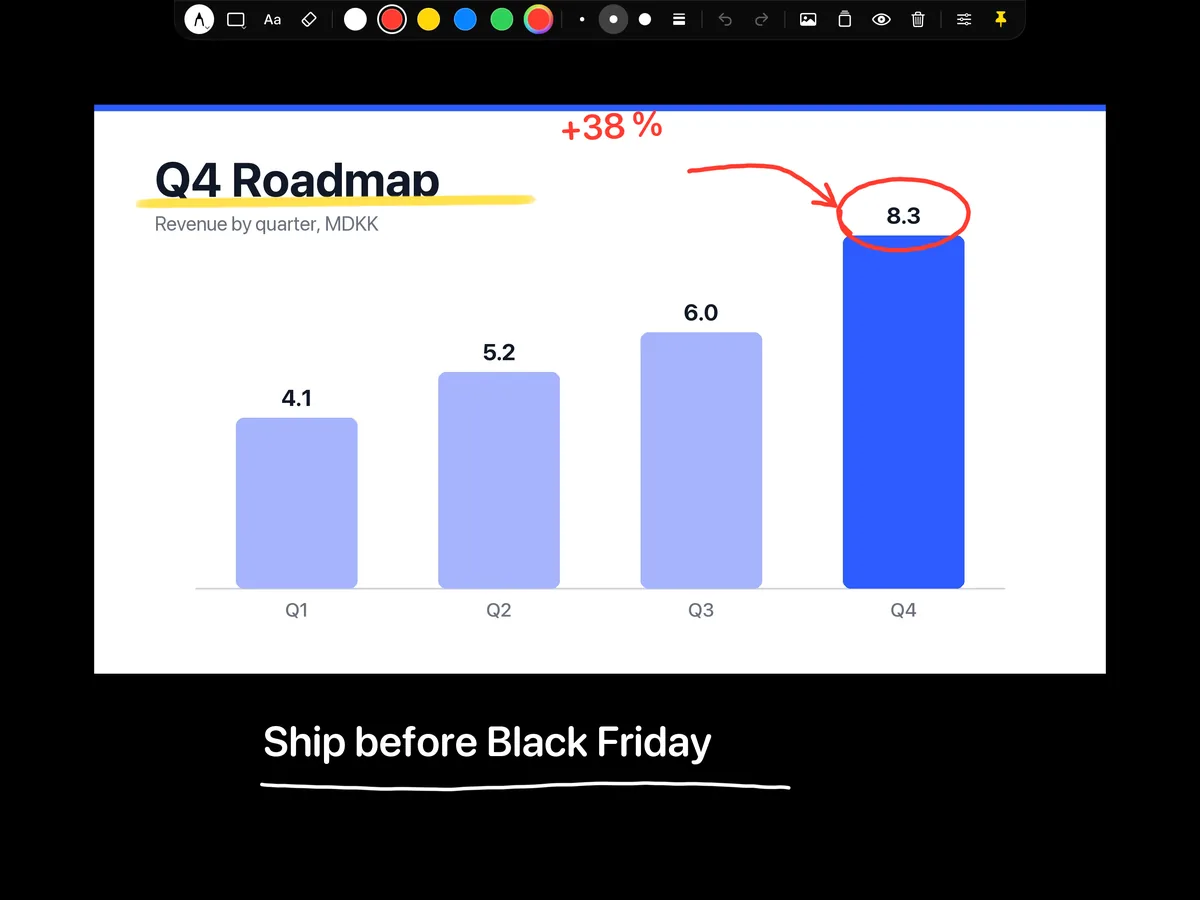
Annotate the screen share, not a screenshot
Put the Overlay Pen layer over your screen share in Ecamm Live or OBS and draw directly on the live product. No switching to an annotation tool, no frozen screenshots, no "can you see my mouse?".
Workshops that leave something behind
Sketch the process with boxes and arrows, write the decisions as text, and save the board as a draft when you are done. Open it again in the follow-up meeting.
Looks like a production, set up like an app
No green screen, no capture card, no account. Paste one address into Ecamm or OBS and you are live. See the three steps.
Questions
Can I draw over my screen share?
Yes. In Ecamm Live or OBS, place the Overlay Pen layer above the screen share. Use the capture area to match the part of the picture your audience sees.