 Overlay Pen
Press kit
Everything you need to write about Overlay Pen: facts, ready-made descriptions, screenshots and the app icon.
Download press kit (icon + 9 full-size images)
Fact sheet
- Name: Overlay Pen
- What: a transparent drawing layer for live video, drawn with Apple Pencil on iPad
- For: meetings and presentations, webinars and live streams, online teaching, sports video analysis
- Works with: Ecamm Live, OBS Studio (Mac, Windows, Linux), and Zoom, Microsoft Teams and Google Meet through the virtual camera of Ecamm Live or OBS; also USB and HDMI
- Requires: iPad with iPadOS 17 or later and Apple Pencil
- Price: free with a small watermark; Pro $12.99 per year (7-day free trial) or $29.99 once (99 kr. / 249 kr. in Denmark)
- Privacy: no account, no analytics, no tracking, no cloud
- Languages: 16: English, Dansk, Deutsch, Français, Español, Italiano, Nederlands, Svenska, Norsk, Polski, Suomi, Português (Brasil), 日本語, 한국어, 简体中文, 繁體中文
- Developer: mindnow, Denmark (CVR DK31239753)
- Website: overlaypen.com · App Store: https://apps.apple.com/app/id6822605845
Description, one sentence
Overlay Pen turns an iPad and Apple Pencil into a pen for live video: draw on your meetings, webinars and streams, wirelessly and sharp up to 4K.
Description, short
Overlay Pen is an iPad app that adds a live, transparent drawing layer to video. Draw with Apple Pencil, and the ink appears on top of your camera, slides or screen in Ecamm Live, OBS Studio, Zoom, Microsoft Teams and Google Meet.
Description, long
Overlay Pen is an iPad app that adds a live, transparent drawing layer to video. Draw with Apple Pencil, and the ink appears on top of your camera, slides or screen in Ecamm Live, OBS Studio, Zoom, Microsoft Teams and Google Meet. It connects wirelessly as a web overlay with real transparency, so no green screen or NDI is needed, or by USB and HDMI. The ink is rendered for the exact size of the broadcast, up to 4K, and a 16:9 capture area keeps every drawing inside the shot. It is free with a small watermark; Overlay Pen Pro removes it for $12.99 a year (7-day free trial) or $29.99 once. No account, no tracking.
Screenshots
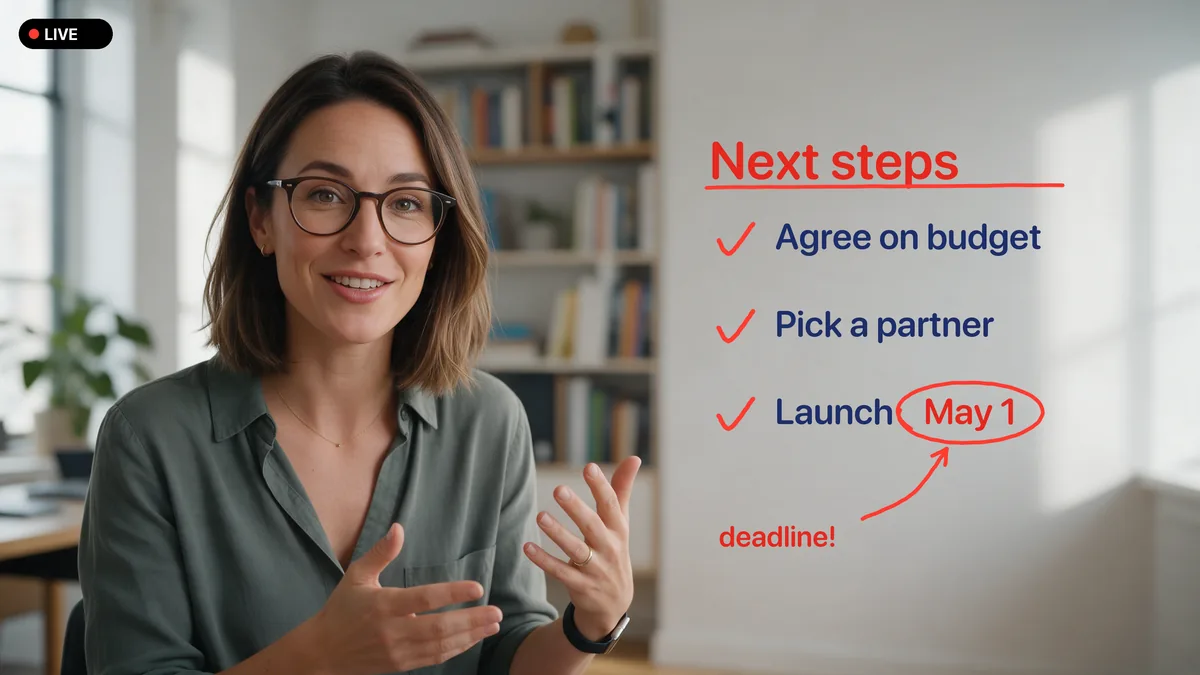
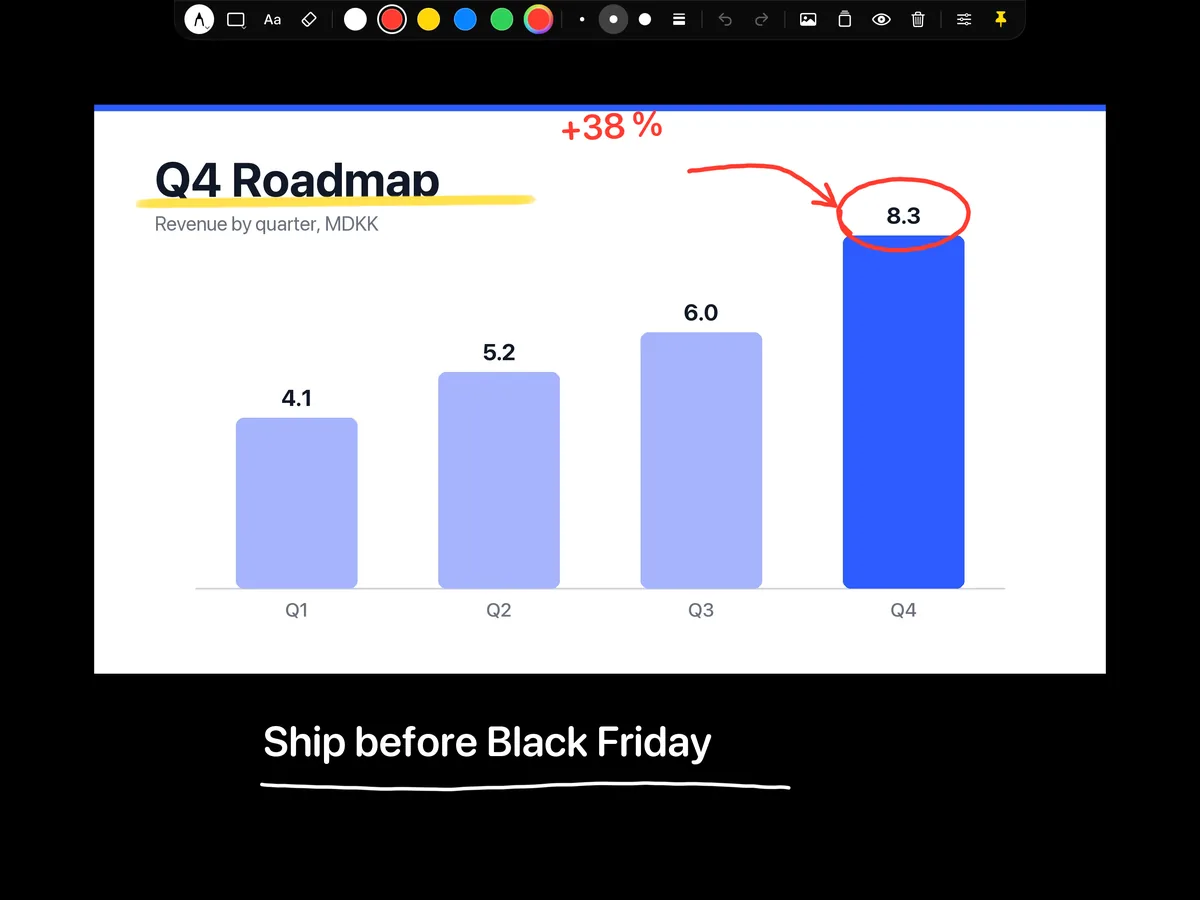
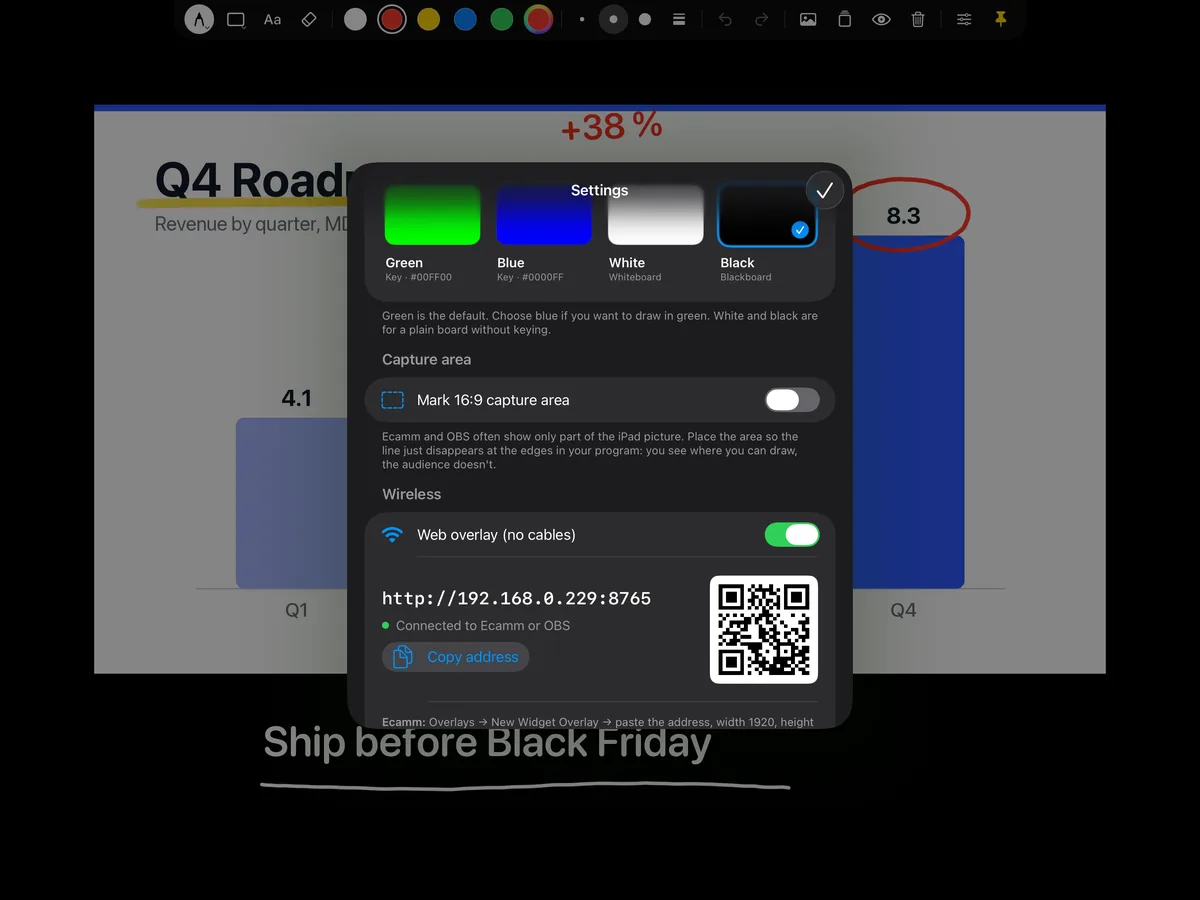
All images in full size are in the press kit. You are welcome to use them in coverage of Overlay Pen.
Review access and contact
Journalists, reviewers and creators can get Overlay Pen Pro for review. Write to support@overlaypen.com; we answer within a working day, in English or Danish.