 Overlay Pen
Use cases
Overlay Pen is a live pen for anyone who explains things on video.
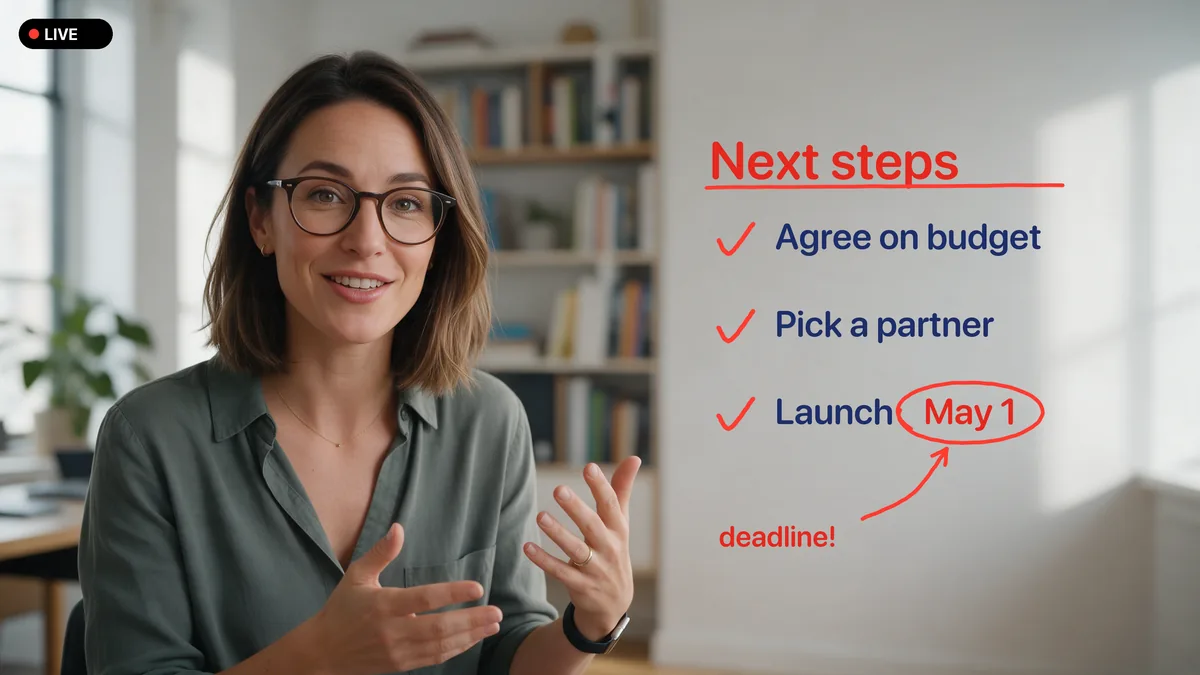
Meetings & presentations
Explaining a plan, a number or a process is easier when you can point at it. Overlay Pen puts an Apple Pencil on top of your camera, your slides or your screen share, so everyone in the call sees what you mean the moment you draw it.
Learn more →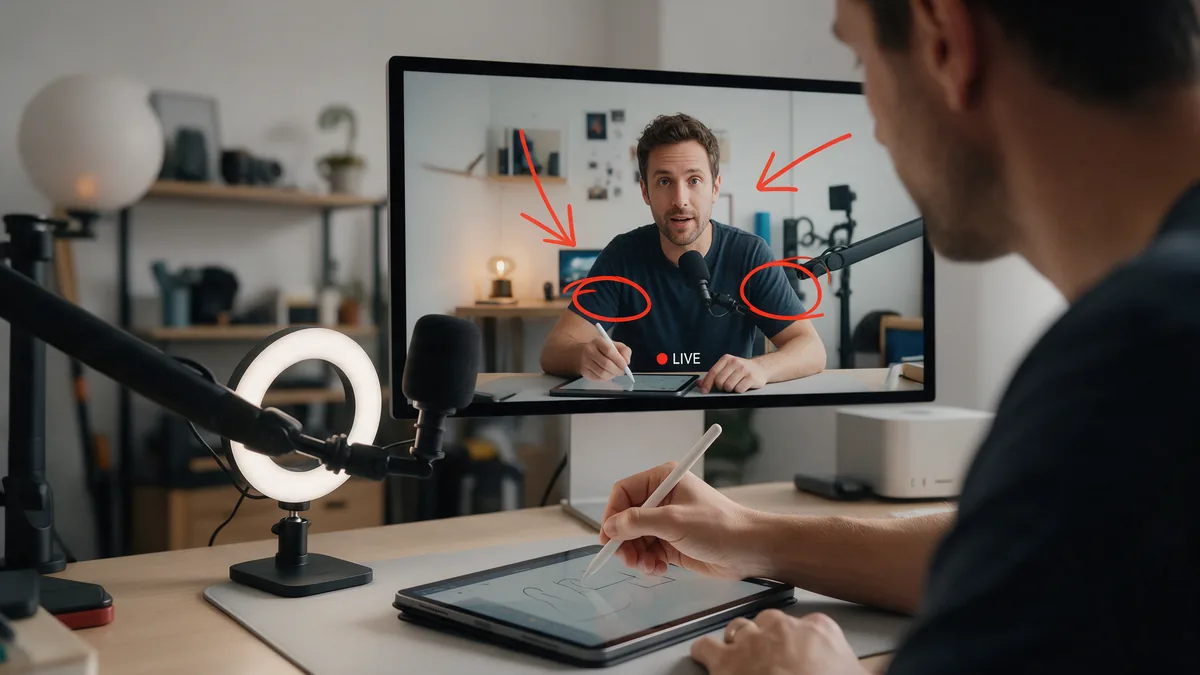
Webinars & live streams
Your audience stays when something happens on screen. Overlay Pen gives you a transparent drawing layer in Ecamm Live or OBS Studio that you control with Apple Pencil, without leaving the camera or touching the mouse.
Learn more →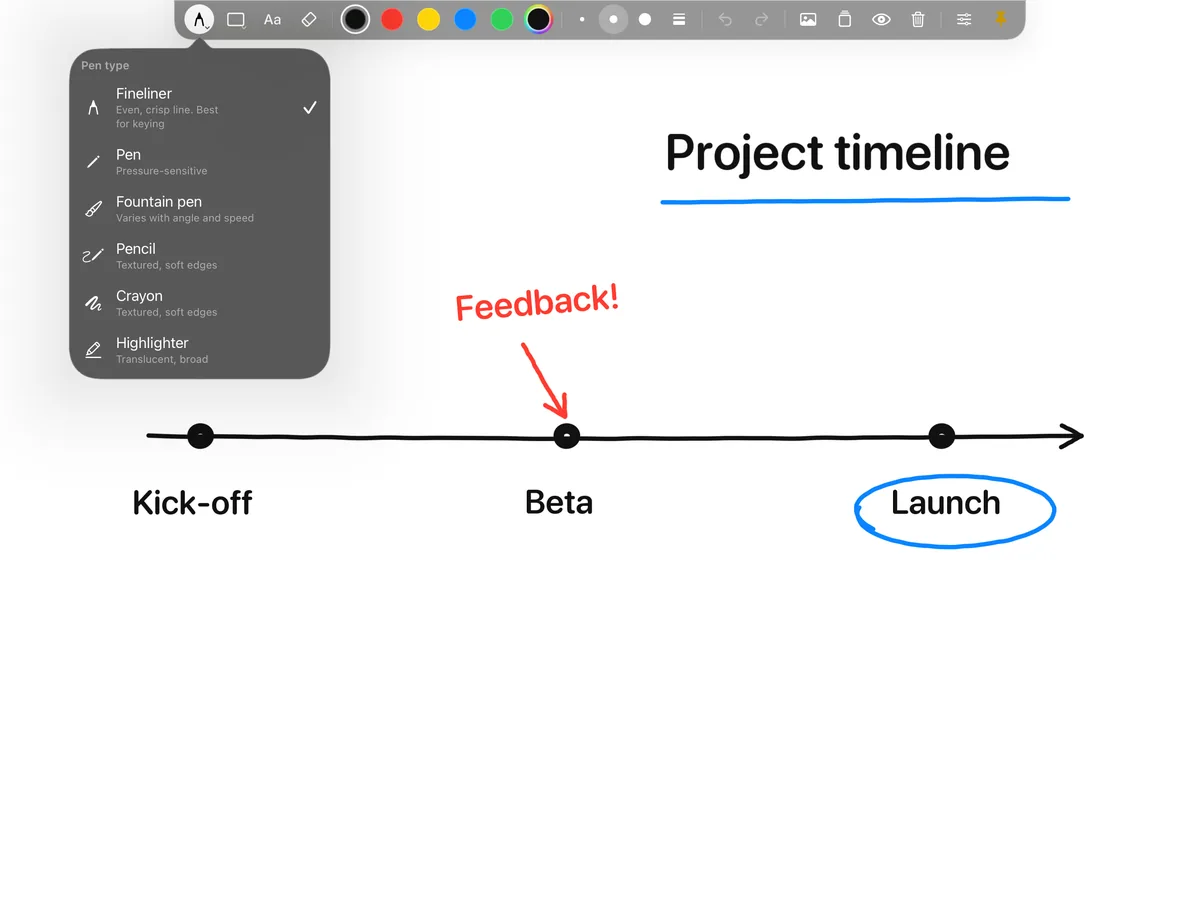
Teaching & online classes
Students learn by watching a solution appear, not by reading a finished one. Overlay Pen lets you write, sketch and annotate on top of your camera or slides, so online lessons feel like standing at the board again.
Learn more →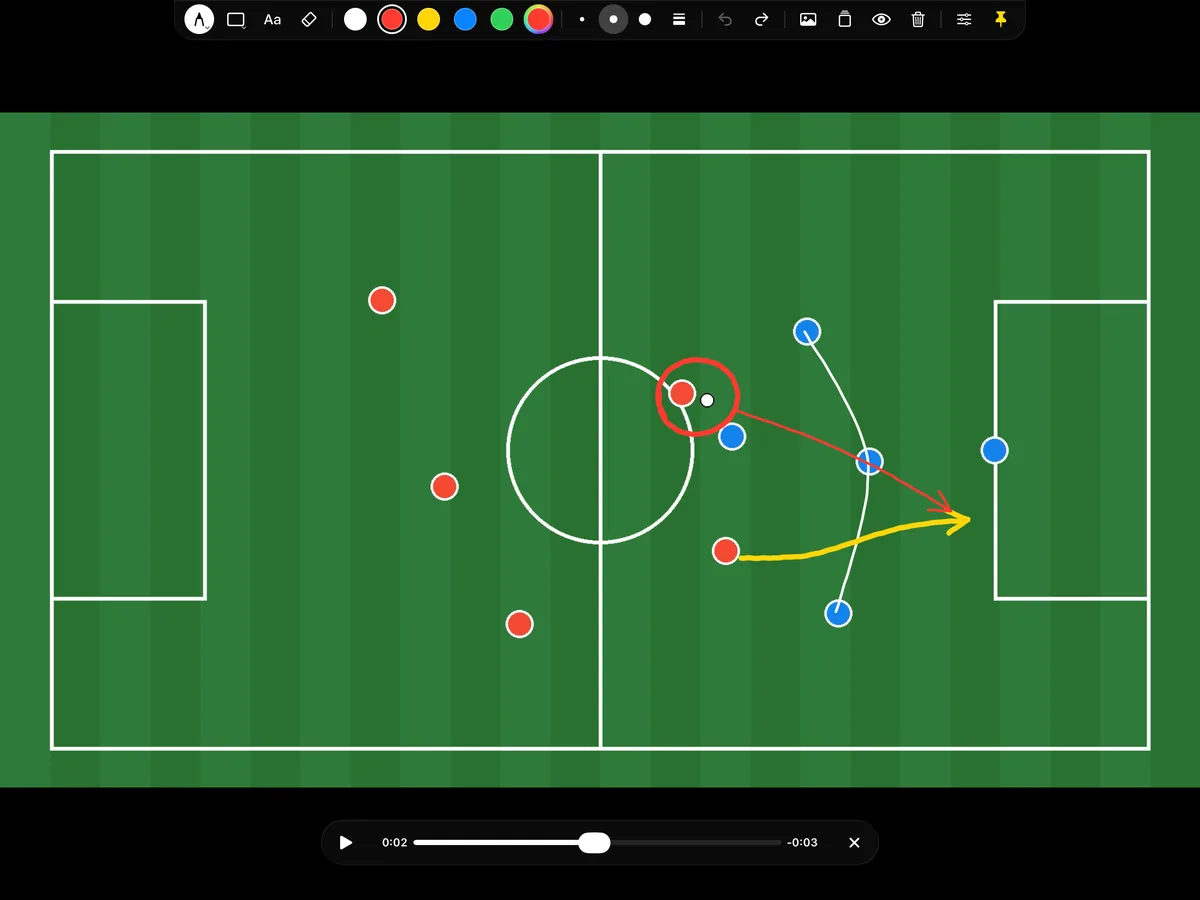
Sports & video analysis
Show a player where the space was, or your viewers why the goal happened. Open a video from the camera roll, pause it, and draw runs, passes and positions right on top. Overlay Pen is a telestrator you can learn in a minute.
Learn more →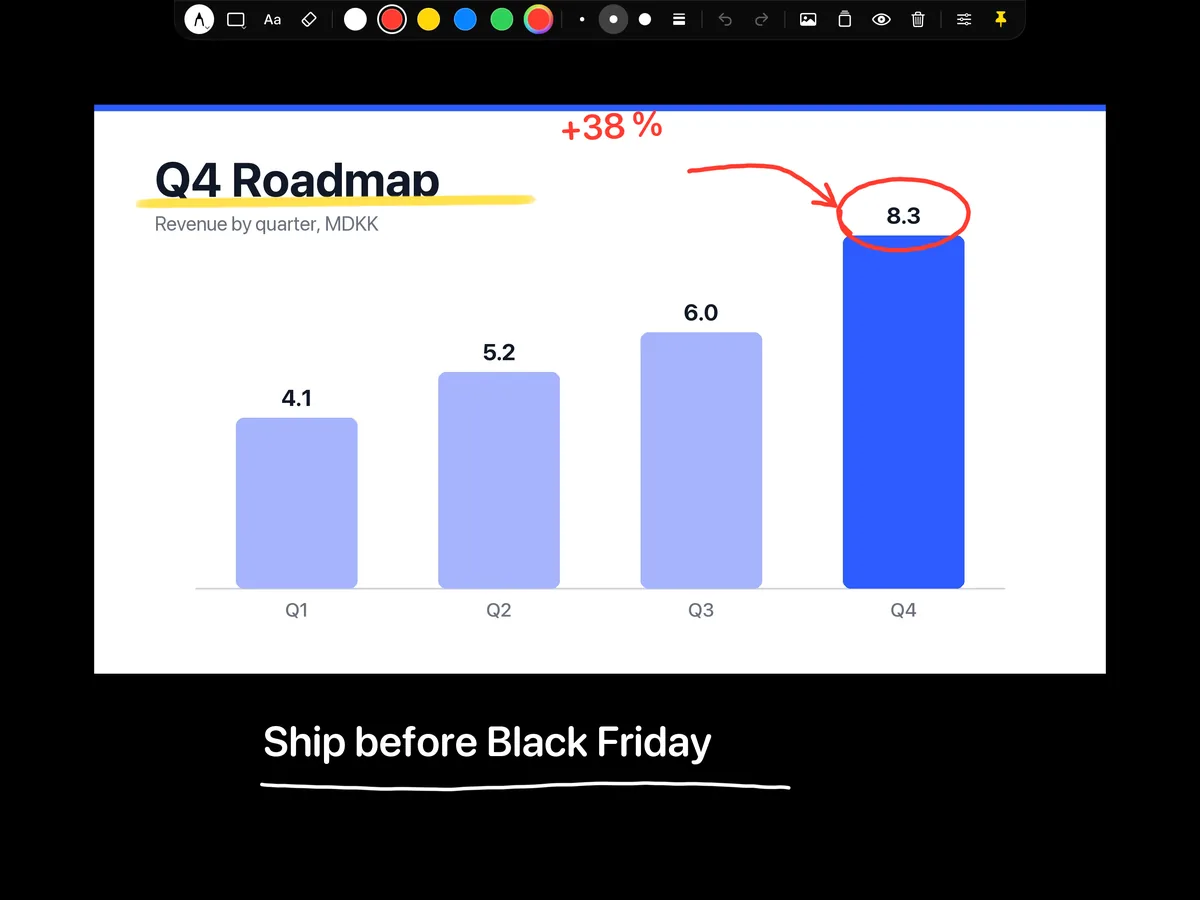
Workshops & sales demos
In a demo or a workshop, the hardest part is getting everyone to look at the same thing. With Overlay Pen you circle the button, draw the flow and write the decision right on top of the screen share, while you keep talking.
Learn more →Pick up the pen.
Overlay Pen for iPad. Plug and play, sharp up to 4K.